

Ledger — How to Confirm the Account Address on Your Device
One of the security features hardware wallets offer is to confirm your account address on the device to ensure that what you see on your computer is the correct address and hasn't been changed either by the UI or after copying it. This way, you are sure that when you send tokens to your account, they will arrive at the correct destination.
In this article, you will learn how to confirm your account address on your Ledger from the Polkadot Developer Interface.
How to confirm your address on Ledger
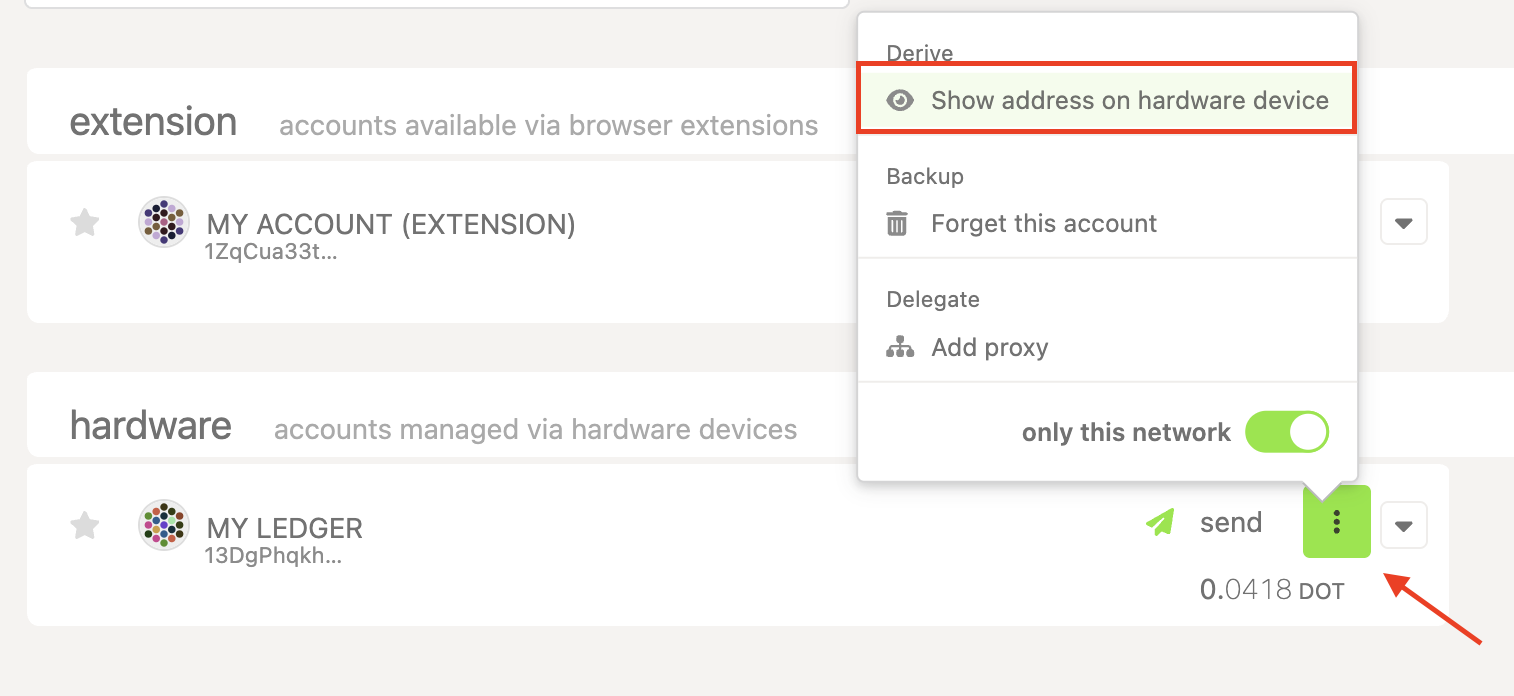
Section titled “How to confirm your address on Ledger”1. On the Accounts page on Polkadot Developer Interface, click on the three dots next to your Ledger account and select "Show address on hardware device":
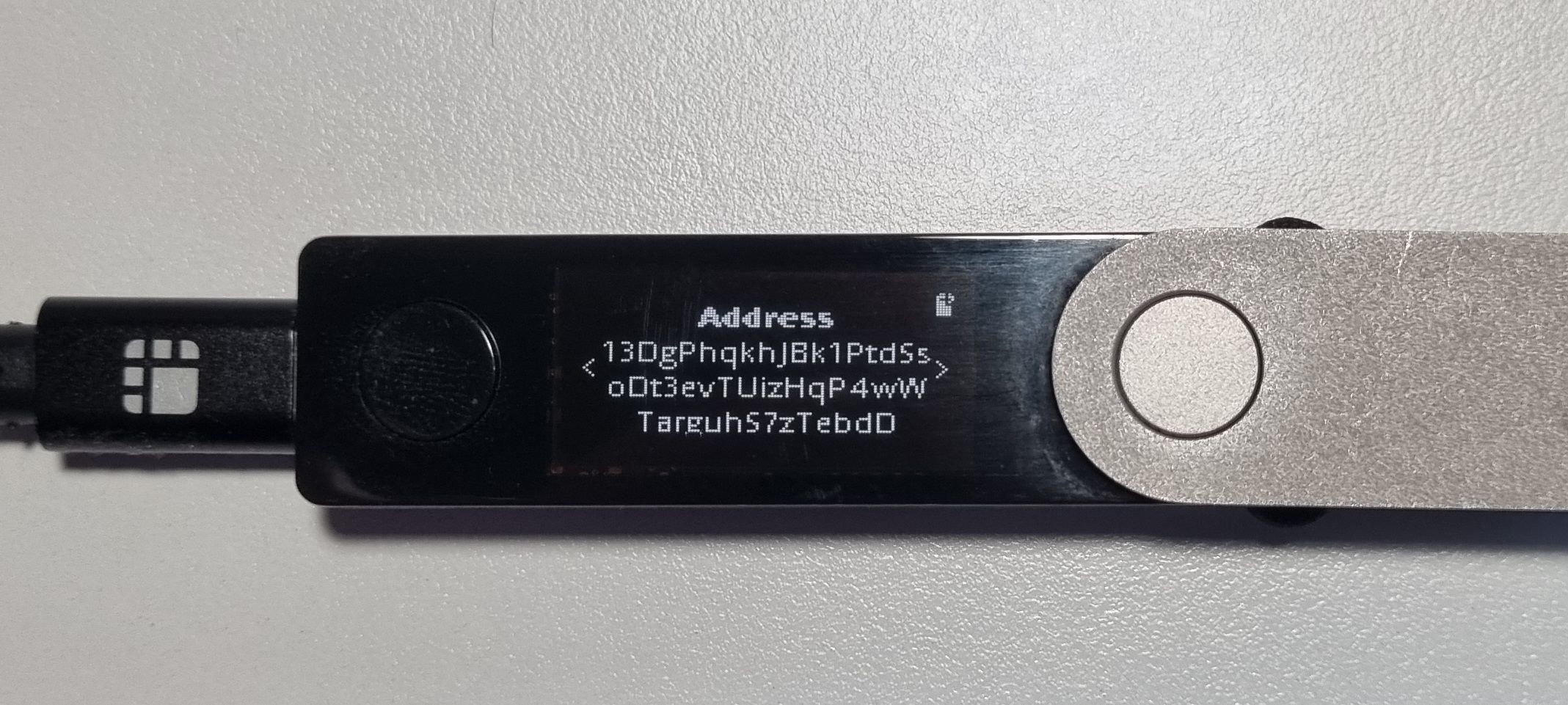
2. The "Please review" message will appear on your Ledger. Press the right button to see your address and compare it to the one shown in the UI or the one you just pasted to receive funds:
3. Then press the right button again. Press both buttons on the "Approve" or "Reject" screen to discard the message on your device.