

How to Create a Vanity Address
If you want your DOT address to contain specific words, letters, or numbers, you can use the vanity generator . It lets you generate multiple addresses with the parameters you choose.
How to create your vanity address
Section titled “How to create your vanity address”1. On the Accounts page on Polkadot Developer Interface, click on the Vanity generator tab.
2. Enter the word, letter, or number combination you want your address to contain in the "search for" field. You can choose if you want it to be case-sensitive. You can also specify what type of account you'd like to generate: Edwards will allow you to find the address you want faster, but Schnorrkel is more secure. Once you've set the parameters, click the "Start generation" button.
This example uses the word "dot":

3. The vanity generator will produce a series of addresses, starting with d , do, and finally, dot. Note that it may take some time before the accounts appear, depending on the length of the combination you are searching for and the type you chose:
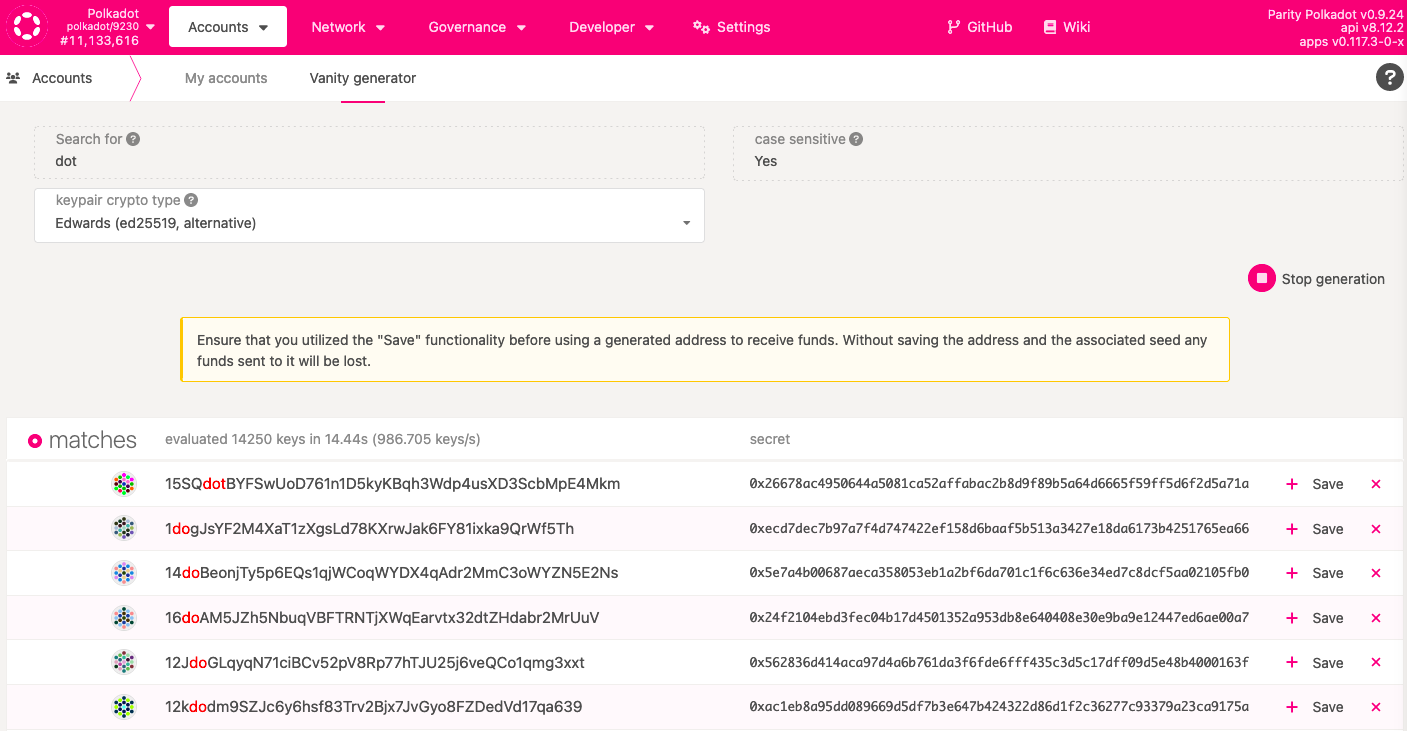
4. When you find an address you like, click the "Save" button on the right to claim this address. The accounts aren't saved if you don't choose to do this.
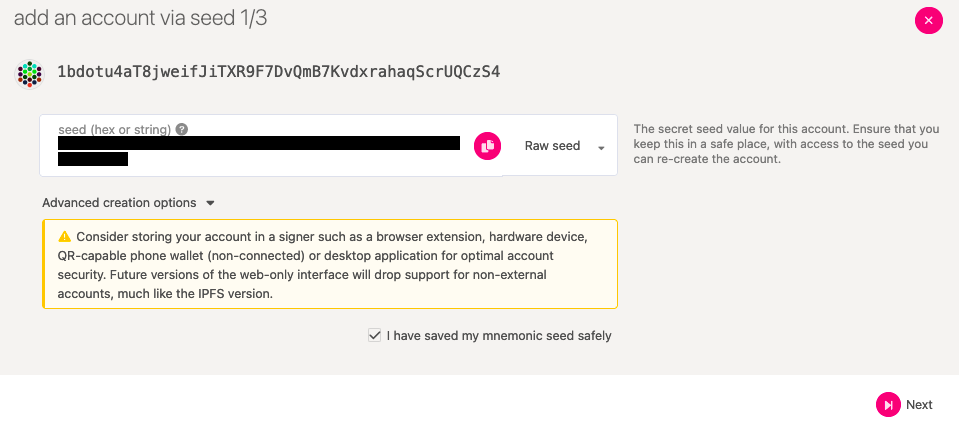
Clicking the "Save" button will open a window to save your private key. In the vanity generator, only Raw seed is available for generated addresses. To ensure you can always restore your account, save the raw seed safely.
After you've saved your raw seed, click on the checkbox and then click "Next":
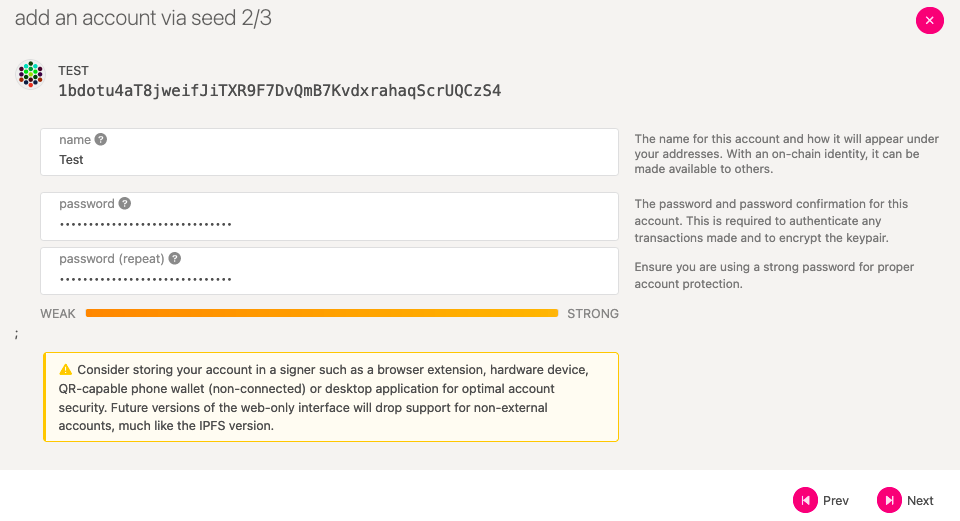
5. Give your new account a name. An account name is only for your convenience and won't be displayed to anyone else. Set a good password for your account. Then click "Next" again:
6. You can save your account and download your JSON backup file on the following screen. Your JSON backup file is a secondary backup method, which, combined with the password you just set, will allow you to restore your account at any time in the future. You need to store it safely.
Recognizable account icons
Section titled “Recognizable account icons”You may have noticed that each Polkadot account has an icon like this:
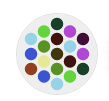
These are also called identicons, and it is a visual representation of your account address. Your identicon is generated when you create a new account on Polkadot. It appears next to your address on your Accounts page on Polkadot-JS or a block explorer.
Although account identicons seem random, generating many accounts increases your chance of finding a recognizable account identicon. Like these:
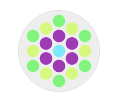
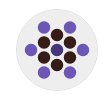
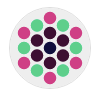
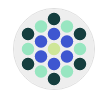
You can use the vanity generator to generate multiple accounts and pick a memorable identicon from the list of generated addresses.